NotGoogle Search Clone
Today I worked on my ‘NotGoogle’ search clone.
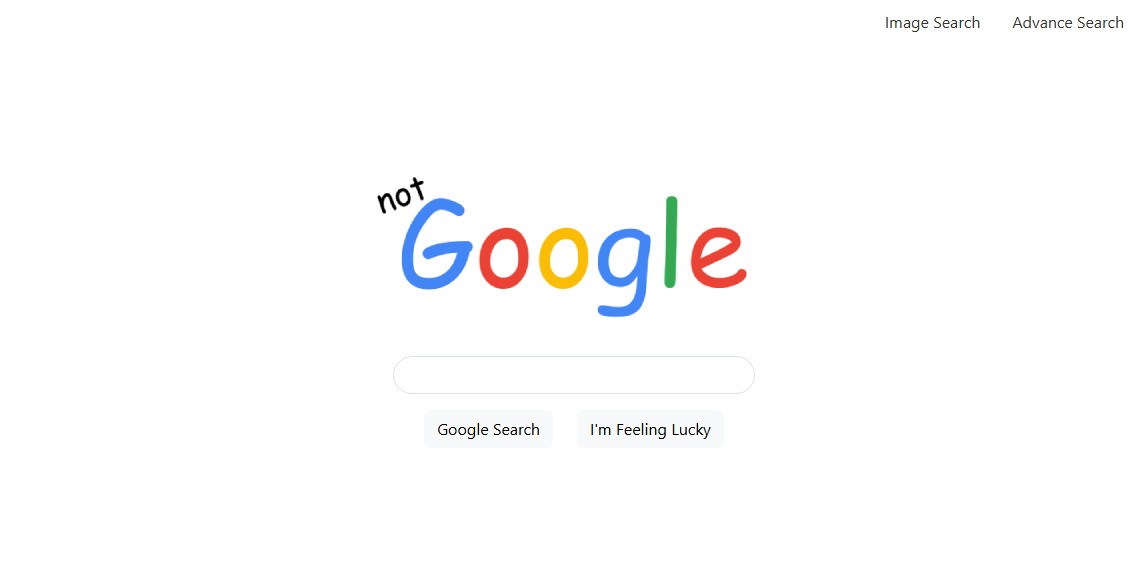
When I first tried to emulate the ‘I’m Feeling Lucky’ Search button, I used a hidden input field like so:
<input type="hidden" name="btnI" value="I'm+Feeling+Lucky">
But I quickly realised it turns the regular Google Search button into an ‘I’m Feeling Lucky’ one too.
So I tried manually creating the logic for button click behaviour with some Javascript.
<script>
    const SEARCH_ENDPOINT = 'https://www.google.com/search';


    let luckyButton = document.getElementById("luckyButton");
    let regButton = document.getElementById("regButton");


    //Listen for button click event
    regButton.addEventListener("click", () => search("reg"));
    luckyButton.addEventListener("click", () => search("lucky"));


    function search(type) {
        let q = document.getElementById("inputBox").value; // search query by user


        // only search when the input box has a value
        if (q) {
            const url = new URL(SEARCH_ENDPOINT);
            url.searchParams.set('q', q);


            // if user clicked the lucky button instead
            if (type === "lucky") {
                url.searchParams.append('btnI', 'I\'m Feeling Lucky');
            }
            window.location.href = url.toString();
        }
    }
</script>
Interestingly enough, I noticed that the final line that sends the user to the new URL does not fire properly as long as the input form has the <form> tags in place. What would happen was that the javascript script fires first, and then the form (with no action parameter filled) redirects the user back to the home page, so nothing happens for the user. I created my own race condition.
Removing type="submit" didn’t work on the search buttons, because turns out, type="submit" is the default behaviour for buttons in the first place.
Though finally… I realised that all of that was incredibly unnecessary, I could have just used the name and value attributes to tack on parameters to the lucky search button itself..
<form action="https://www.google.com/search">
    <div class="row justify-content-center" style="padding-bottom: 1rem;">
        <div class="col-auto">
            <img src="media/logo.png">
        </div>
    </div>


    <div class="row justify-content-center" style="padding-bottom: 1rem;">
        <div class="col-md-4">
                <input id="inputBox" type="text" name="q" autocomplete="off" class="form-control">
        </div>
    </div>


    <div class="row justify-content-center">
        <div class="col-auto">
            <button type="submit" class="btn btn-light">Google Search</button>


        </div>
        <div class="col-auto">
            <button type="submit" name="btnI" value="I'm Feeling Lucky" class="btn btn-light">I'm Feeling Lucky</button>
        </div>
    </div>
</form>
Buttons in forms are both a part of form control and form submission data. Text field input name value pairs are always included during submission, but for buttons, they are only submitted when the specific button is used to submit the form.
This is a much better solution than the first idea of using a hidden text input field to tack on the search parameters. I feel pretty silly for not realising this at first. Oh well!
| Previous Post | Next Post |